
- Start by Installing Honeywell meter software.
Download software here & unzip it.
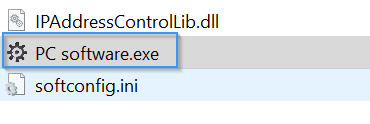
- Open Honeywell software
Open the honeywell software by clicking on the PC software.exe file

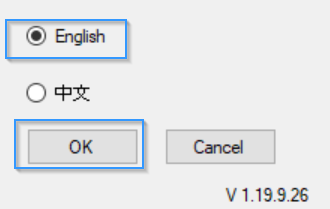
- Next select the language & click OK
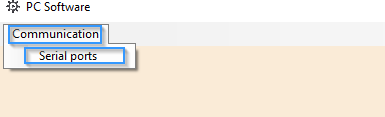
- Setup the USB communication port to the pc.
- Select the USB communication port
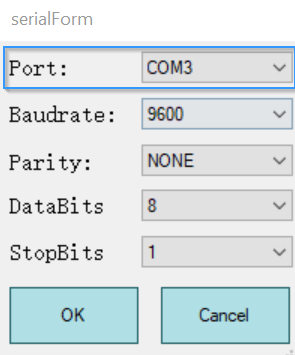
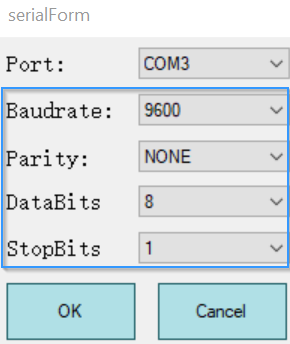
- Next select the meter communication parameters
Note default communication parameters are as follow:
Baudrate : 9600
Parity : None
Databits : 8
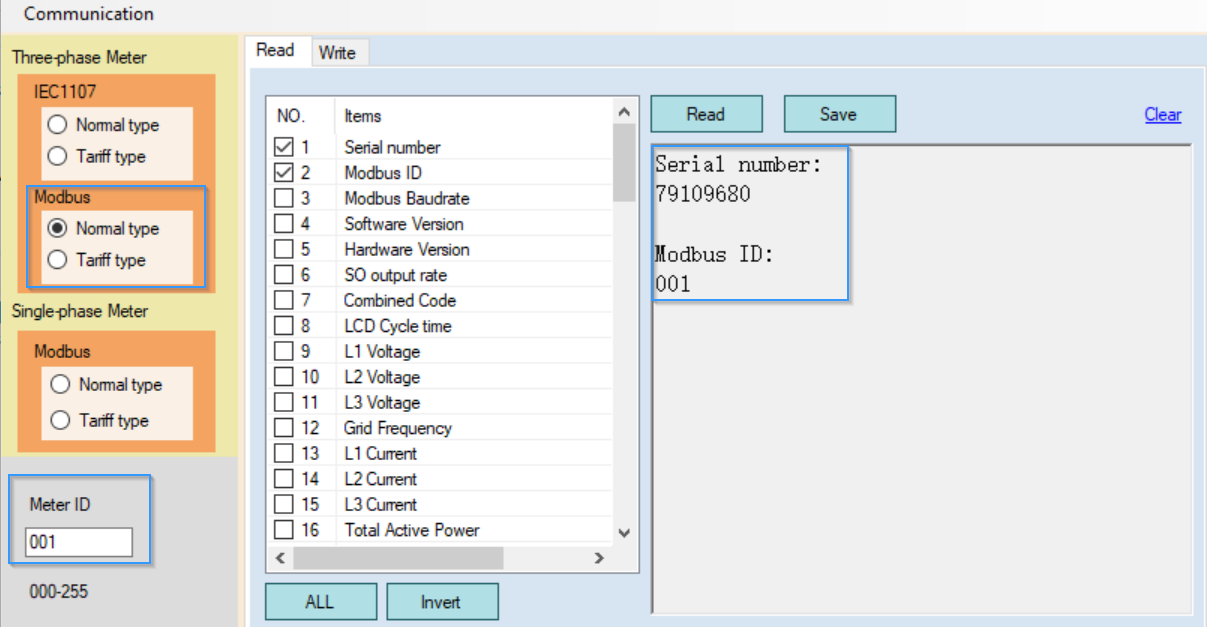
StopBits : 1 - Next select the communication type & enter the meter ID
Select communication type as Modbus Normal type
Enter the Meter ID note the default meter ID is 001
Note the Modbus ID & Serial Number this information is needed when setting up the meter on the limo client
Confirm Communication Parameters for Honeywell AD1200 meter


Powered by BetterDocs